Logging in to the Call2 App
Please note any selections made on the dashboard are highlighted using an "orange" box for clarity.

-
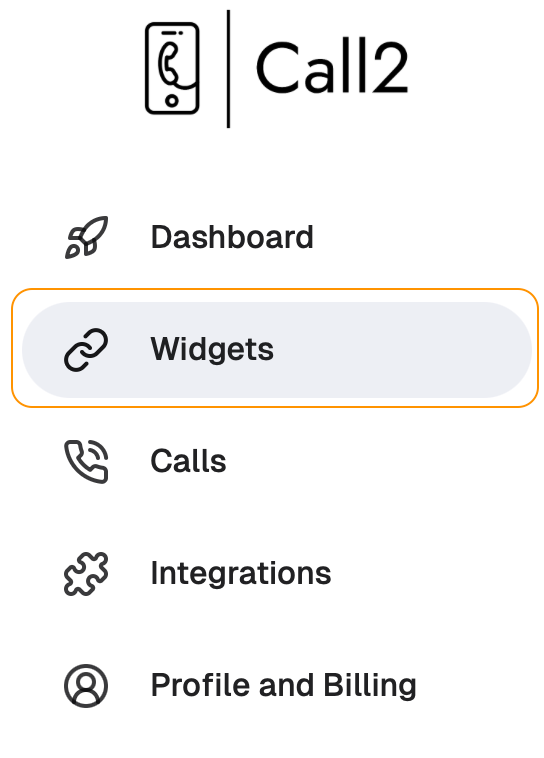
Grabbing your App Credentials - start by clicking on "Widgets" on the menu bar if you arent already there:
-
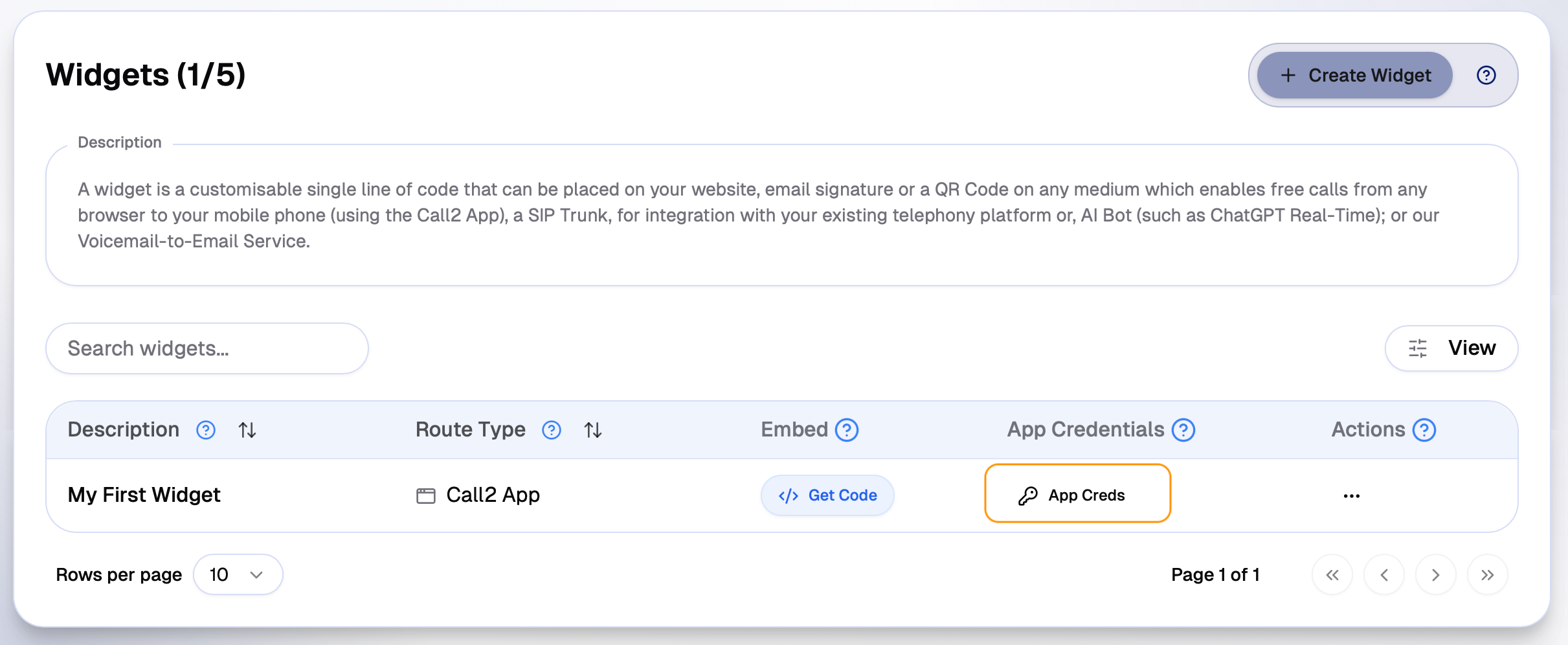
Next, click on the "App Creds" button:
-
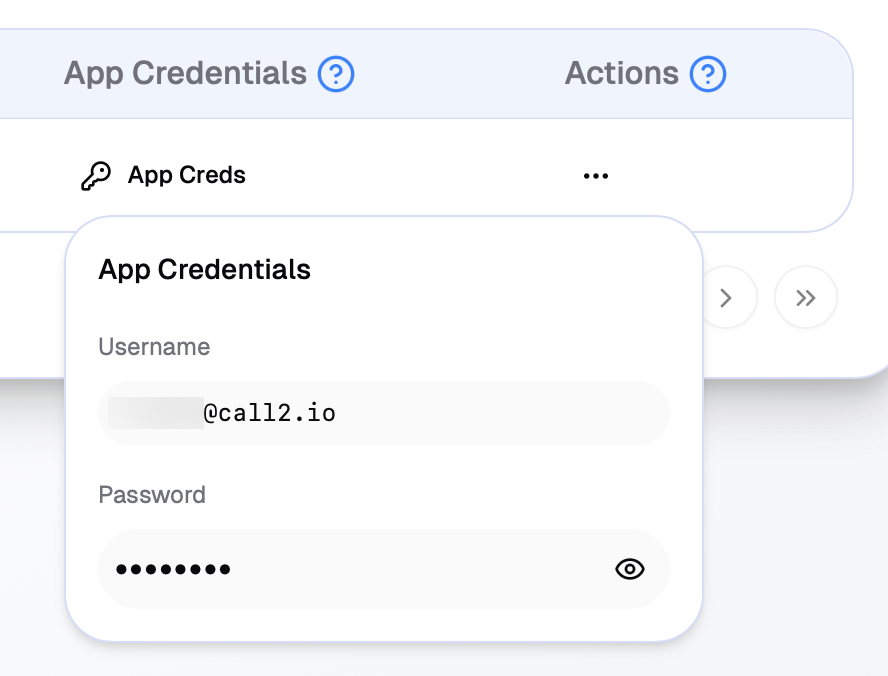
Take note of your Call2 App Credentials:
-
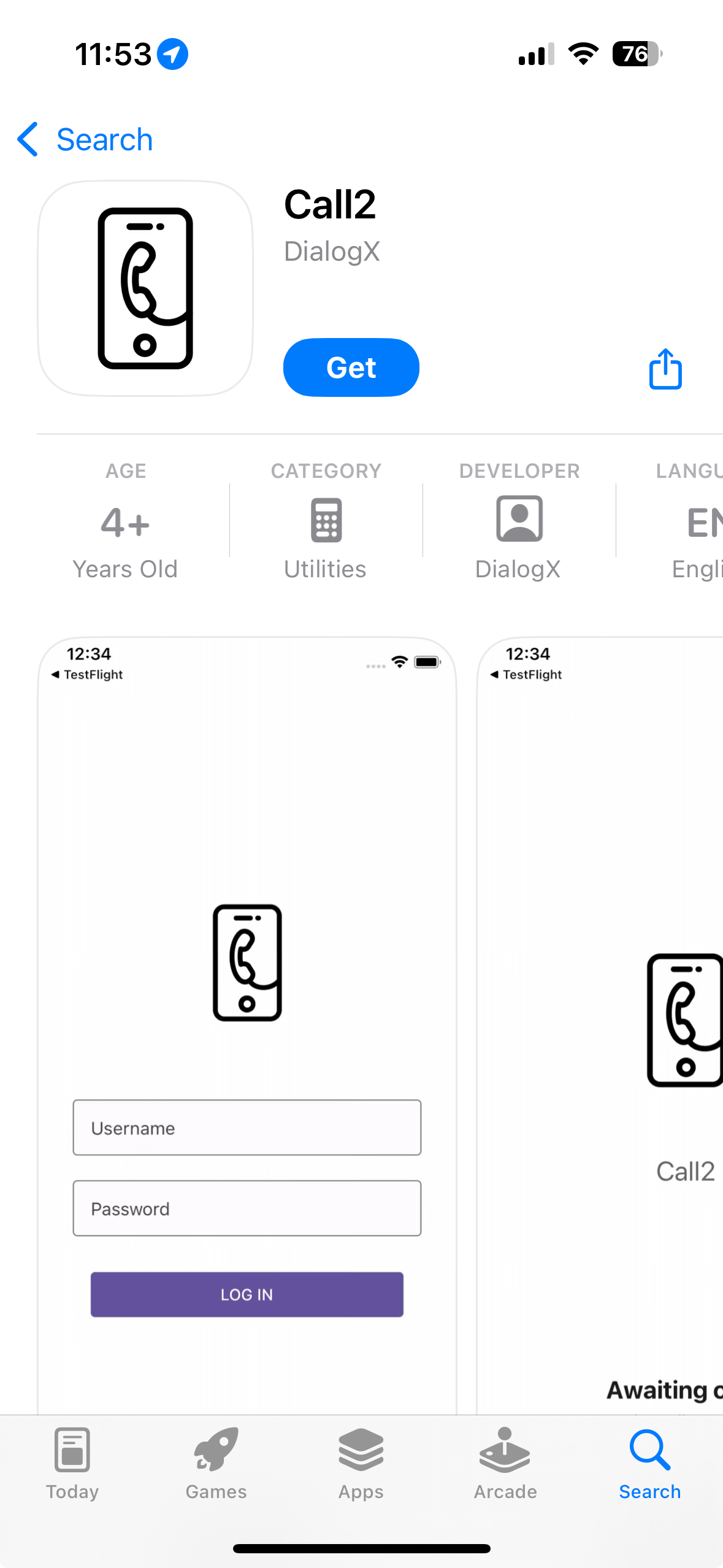
On your Mobile Phone - navigate to the App Store/Play Store and search for "Call2" or use the following links:
 Play Store
 App Store
-
Once installed - open the app and login using the credentials from the dashboard (Step 2):
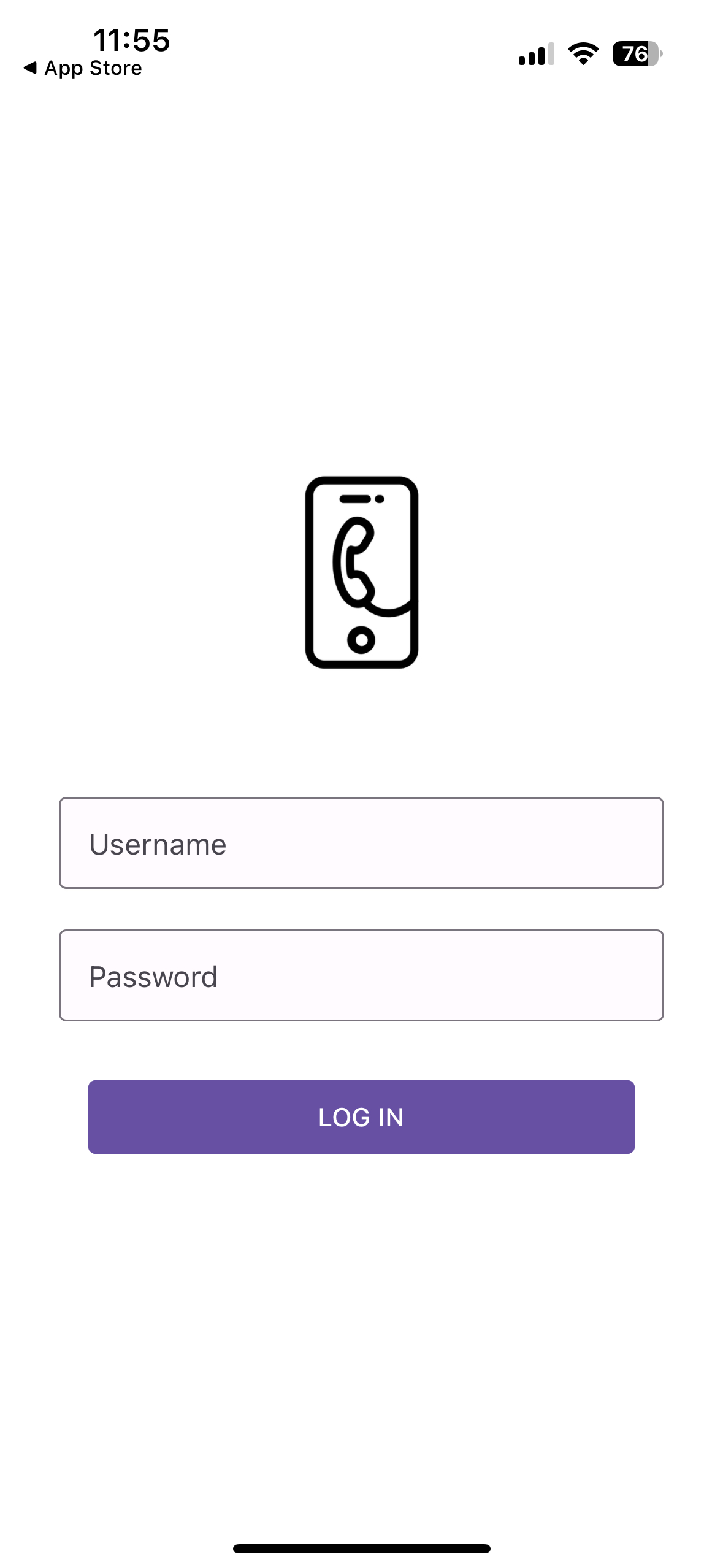
-
Thats it! you are logged in a ready to recieved calls:
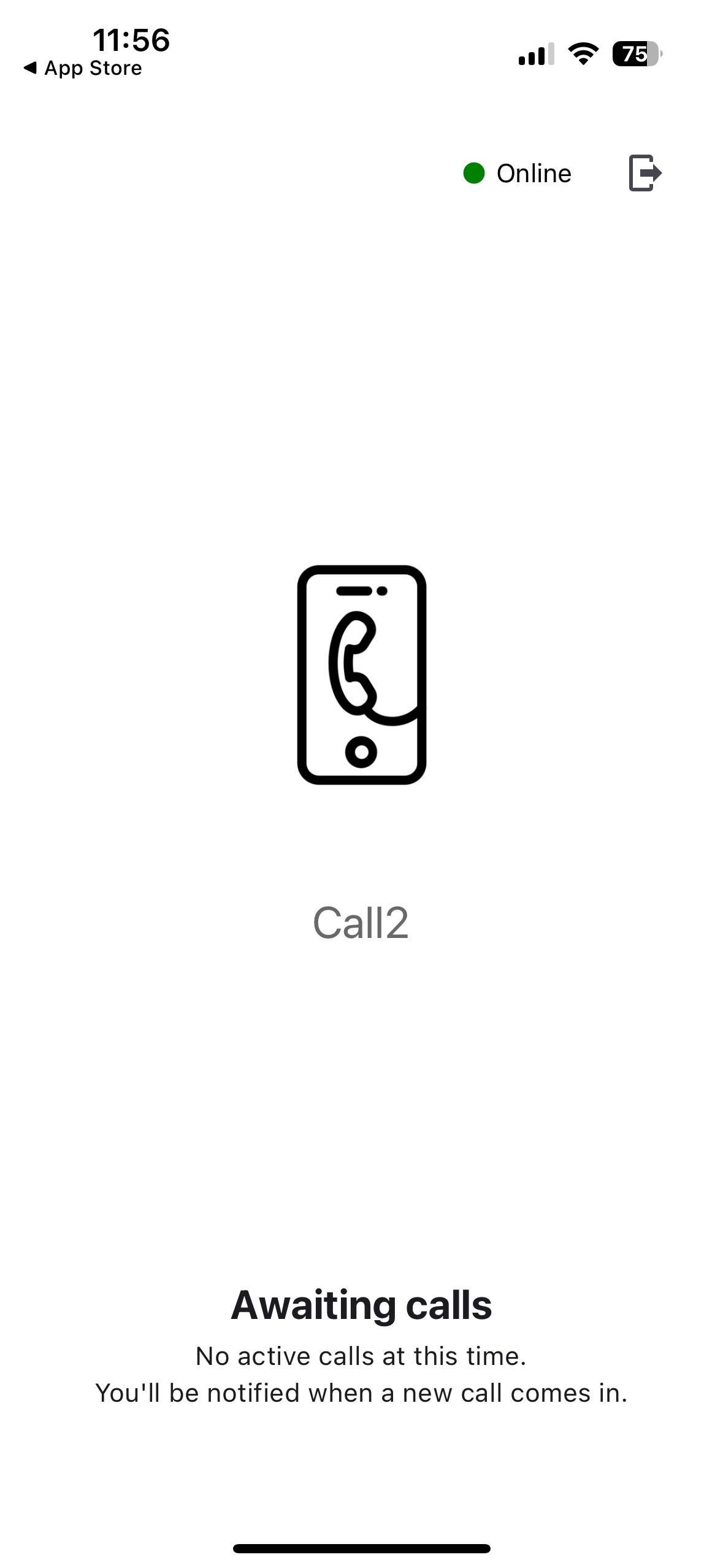
Calls are pushed to your phone - so there is no need to keep the app open.
Congratulations - you have now created your first widget and logged into the Call2 App to receive calls - the only thing left is to actually receive a call. Start sharing your website, Call2 Direct Link and QR Code!